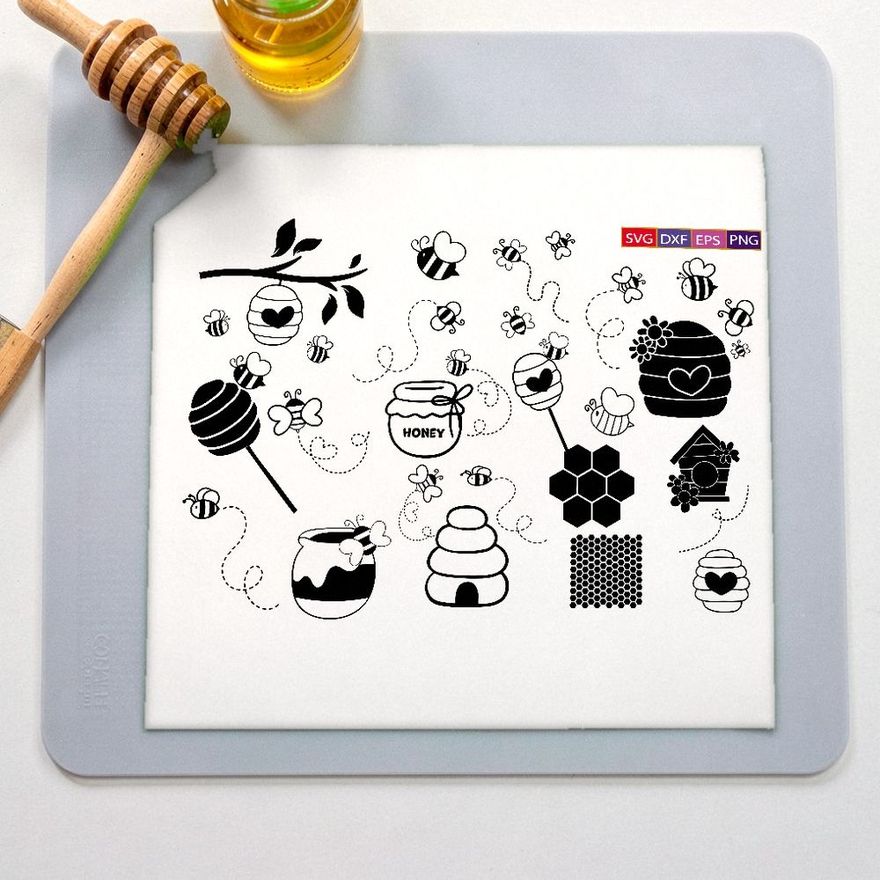
The items that work at a craft fair are small, quick to repeat and easy to personalize: decals, keychains, earrings, decorated cups, ornaments and a short rack of shirts. Before you make forty of anything, check one thing that has nothing to do with craft: whether the design you are cutting may be used on products for sale. That depends on where the design came from, and the rules for a downloaded file are different from the rules for an image inside Design Space.
Small Items That Batch Well
"Batches well" means three things: many pieces fit on one mat, the blank is inexpensive and consistent, and assembly is the same motion every time.
| Item | What you cut | What makes it batch | Watch for |
|---|---|---|---|
| Vinyl decals | Permanent vinyl | Dozens per sheet, sold flat on their liner with transfer tape applied | Include application instructions |
| Keychains | Vinyl for acrylic blanks, or faux leather shapes | Small, light, easy to personalize | A Cricut cannot cut hard acrylic; buy blanks |
| Earrings | Faux leather, cut in pairs | A pair uses a few square inches | Cut both earrings of a pair from the same sheet so they match |
| Glass cans and cups | Permanent vinyl wraps | One wrap size fits every glass of that model | Breakable stock, care card needed |
| Ornaments | Vinyl on blanks, or layered cardstock | Seasonal, names sell them | Short selling window |
| Shirts and totes | Iron-on vinyl | One design across many sizes | Sizes multiply your stock quickly |
| Gift boxes and paper decor | Cardstock | Cheap material, flat storage until folded | Slow assembly; make them an add-on |
Two machine facts are worth knowing here. Cricut's materials list notes that its machines engrave hard acrylic with the right tip on a Maker but do not cut it, so "acrylic keychain" files are used for vinyl decoration on blanks or sent to a laser. And Cricut's instructions for faux leather call for a StrongGrip mat with the material face down, pressed on firmly before cutting.
Files sold as sets save design time, because one upload yields a matching range. These three are keychain and earring bundles by name:
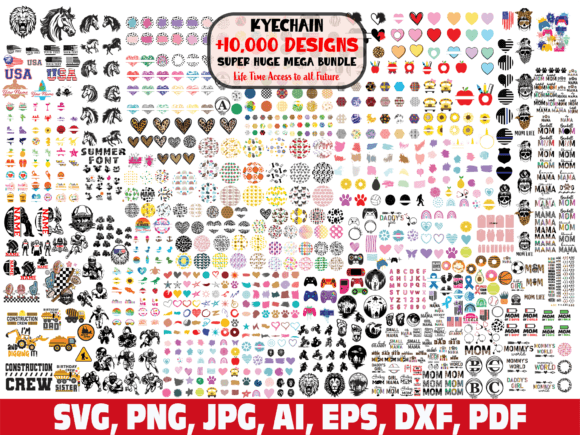
Keychain Svg Bundle, Keychain Pattern
See the listing ↗
Earring SVG Bundle, Earring Cut Files
See the listing ↗
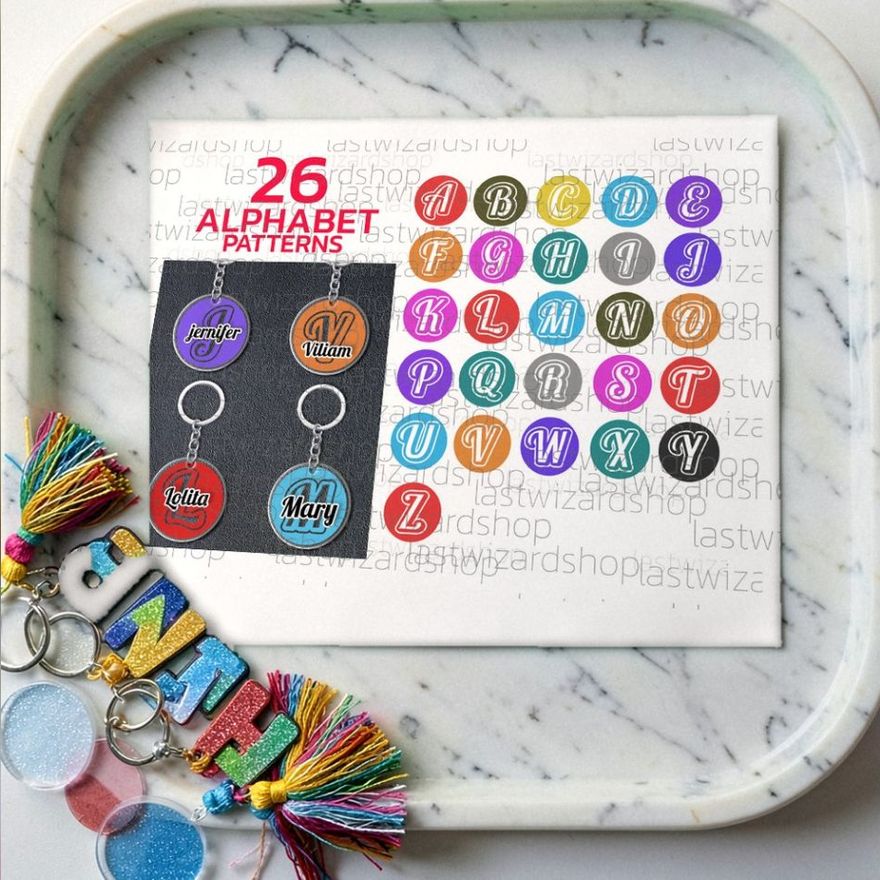
Alphabet Round Keychain Svg, English
See the listing ↗From the collection Keychain, Earring & Acrylic SVG. New Creative Fabrica members get 10 free downloads, and any of these can be one of them.
Set Up Your Cutting to Run in Batches
A few Design Space habits turn a single project into a production run.
- Use Project Copies. After you select Make, raise the number of copies on the mat preview. Design Space fills the mat for you, which Cricut recommends over duplicating on the Canvas.
- Group by color. The software sorts pieces onto mats by color, so setting every piece of one material to the same color puts them on one mat.
- Test once, then write it down. Record the material setting and pressure that worked for each vinyl and each blank.
- Weed in an assembly line. Cut everything, then weed everything, then tape everything. Switching tasks for each piece is what eats the evening.
- Standardize sizes. One decal width for all 16 oz glass cans, one for all keychain blanks. Sizes for wraps are in cup wrap sizes.

Personalizing on the Spot
A name added while the customer waits is the strongest draw a cutting-machine stall has. It also needs planning.
- Power. Ask the organizer whether your space has an outlet. A cutting machine and a heat press both need one.
- Software without Wi-Fi. Cricut states that Design Space for desktop can design and cut offline if projects, images and fonts were saved to the computer beforehand, and that the Android app does not support offline use. Set this up and test it at home with the internet switched off.
- Keep it to vinyl. A name in permanent vinyl on a finished keychain, cup or ornament takes minutes. Pressing shirts to order takes much longer and needs a safe, stable surface.
- Limit the choices. Two fonts and four vinyl colors. More than that and every order becomes a design consultation.
- Pre-cut the popular ones. Common names and single initials can be cut ahead and filed alphabetically.
If on-the-spot cutting is not practical, take orders with a form and a pickup or mailing date.
Display, Labels and Care Cards
People buy what they can understand at a glance.
- Show one of each finished, applied to the real object, at eye level. Keep the stock below.
- Go vertical. Pegboard, a small rack or crates on their sides put more in view than a flat table does.
- Label everything clearly, so nobody has to ask.
- Bag decals with instructions. A decal is only as good as its application. A short card with the steps from how to apply a vinyl decal prevents most complaints.
A care card should repeat what the material's maker says. For Cricut materials that is:
- Permanent vinyl on cups and glasses: let it sit 24 to 48 hours before dishwashing; top rack only; no heated dry, sanitize or steam cycles. Hand washing is gentler still, and you can say so.
- Iron-on shirts: wait 24 hours before the first wash, wash and tumble dry inside out, do not bleach.
If you use another brand, copy its instructions instead. Do not promise more than the maker does.
Some files exist to produce exactly these cards and labels. The first of these is named as an application card for decals, and the second as washing instructions for shirts:


Check the File License Before You Sell
A design you downloaded is licensed, not owned. The license says what you may do with it, and it belongs to that file from that seller.
Before you batch anything, find the license on the listing or the marketplace's license page and look for four things:
- Commercial use of finished physical products. This is the permission you need to sell a shirt or decal made from the file.
- Quantity limits. Some licenses cap the number of items.
- What is forbidden. Reselling or sharing the file itself almost always is, and so is offering it as a digital download in any altered form.
- Print-on-demand and resale platforms. Often treated separately from handmade sales.
Keep a copy of the license terms and your receipt. Collections on this site link to each designer's own listing, which is where its terms are shown.
One limit sits above any file license. A commercial license from a designer covers that designer's artwork. It cannot grant rights to someone else's characters, team logos, brand names or song lyrics. Designs built on those are the ones that get stalls and online shops into trouble, however the file was obtained.

Cricut's Angel Policy, as Cricut States It
The Angel Policy is Cricut's own license for selling things made with content from Design Space: its images, fonts and ready-made projects. The policy defines the material it covers as content owned by Cricut or licensed to Cricut, so a file you bought elsewhere and uploaded is governed by its own license instead.
In Cricut's words, it is a limited, revocable permission. The main terms at the time of writing:
- Finished, physical items only. The design has to be permanently attached to or built into a new final item, such as a card, a decorated shirt or personalized drinkware.
- More than one cut. Items made from a single cut are excluded. Cricut's own FAQ says that mass producing individually cut letters, shapes or stickers for resale is not permitted.
- No kits and no digital versions. Unassembled cut pieces meant for someone else to put together are out, and so are digital files of any kind.
- Up to 10,000 items per year, made by you or a family member, not on an assembly line with other people and not in a factory.
- Licensed content is never included. Cricut names Disney, Marvel, Star Wars, Hello Kitty, Peanuts, Sesame Street and Warner Bros., and adds anything tagged as a brand or licensed in the software, even if you paid for it.
- Also excluded: content from the Cricut Contributing Artist Program, designs showing Cricut's trademarks, and anything created with Design Space's AI features.
- A required notice. Each item using Cricut's content must carry a visible disclaimer reading "Includes Copyright Materials of Cricut," on the product or on its tag.
- No Cricut name or logo on your booth sign, website or listings in a way that suggests endorsement.
Cricut reserves the right to change or end the policy at any time. Read the current text on Cricut's legal page before you rely on it. This is a summary, not legal advice.
Paperwork Outside the Craft
Rules for selling vary by state and by event. Organizers commonly ask for a seller's permit or tax ID, and some require liability insurance. Ask when you apply, and check your state's revenue department for what applies to occasional sellers.
Blanks and Packaging for a Craft Table
Blanks bought in quantity keep a batch consistent, and simple packaging makes small items easier to hand over. These cover two of the products above and the basics for the table.
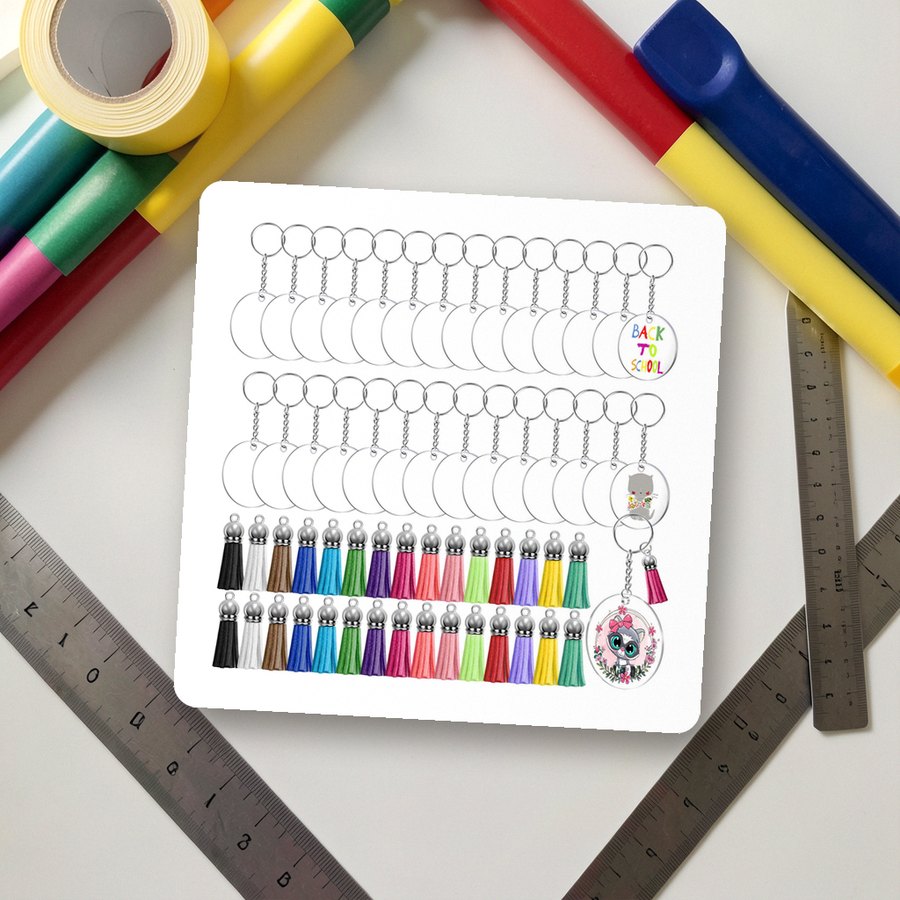 Acrylic keychain blanks with hardwareAudabSee it on Amazon
 16 oz can-shaped glasses with lidsNETANYSee it on Amazon
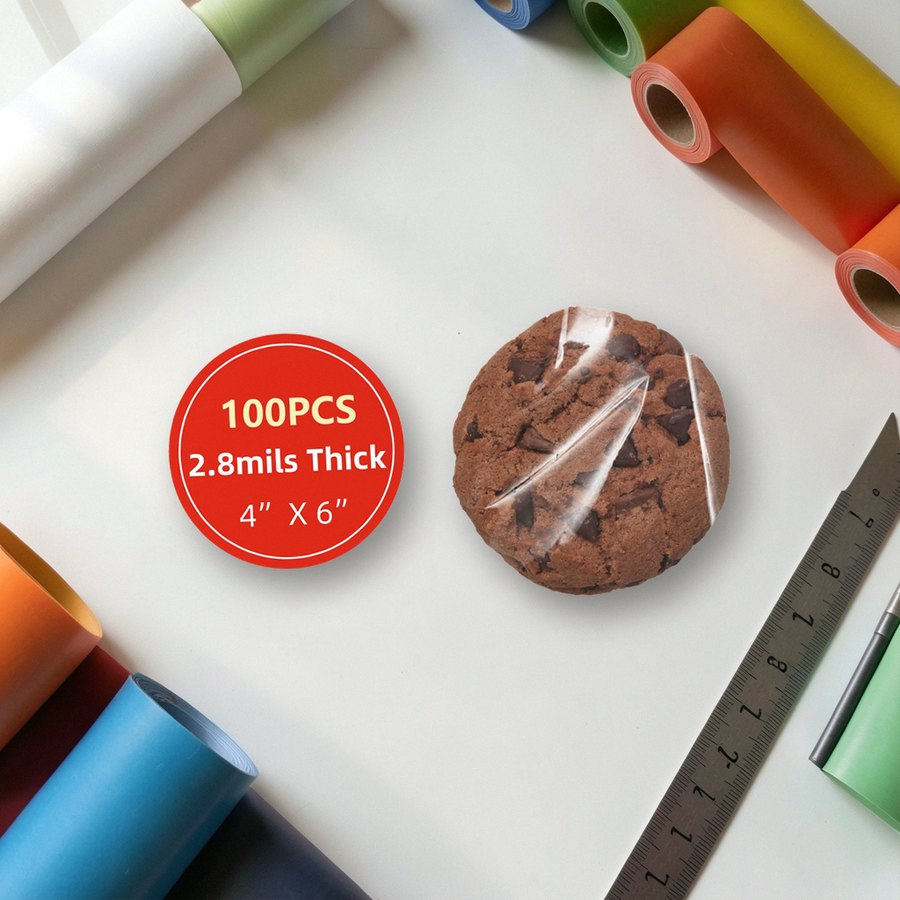 Clear self-sealing bags, 4 x 6 inchDTmasaoSee it on Amazon
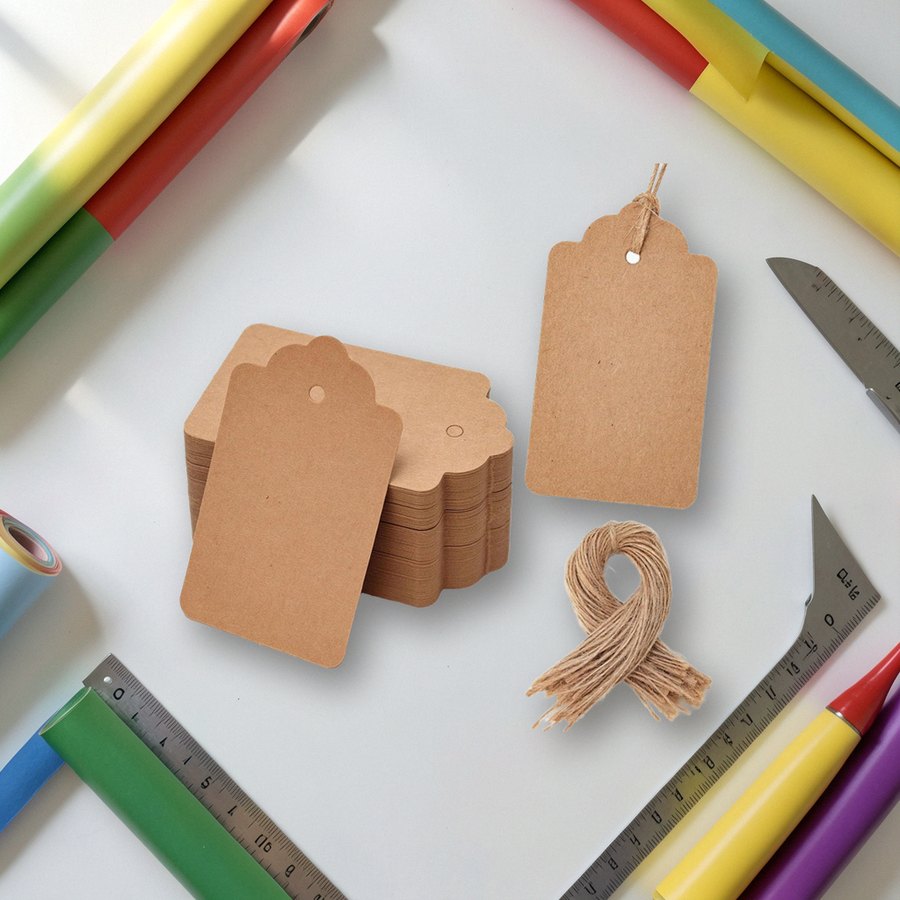 Kraft tags with stringSallyFashionSee it on Amazon
As an Amazon Associate we earn from qualifying purchases.
Before Your First Fair
Make five of one item, start to finish, and time yourself. That number tells you what a batch of forty really costs in evenings, and whether the item belongs on your table. Then visit the keychain and earring and vinyl decal collections with a license checklist in hand. If you are still learning the machine, Cricut projects for beginners is the better place to start.
Cut Files to Go With This Guide
Keychain, Earring & Acrylic SVG14 hand-picked · open the collection → Vinyl Decals & Car Decals12 hand-picked · open the collection →
 Cup Wraps & Tumbler Wraps11 hand-picked · open the collection →